A New Visual Editor: Design Directly in Your Codebase
Cursor · Cursor · ·2:05 ·101.6K views
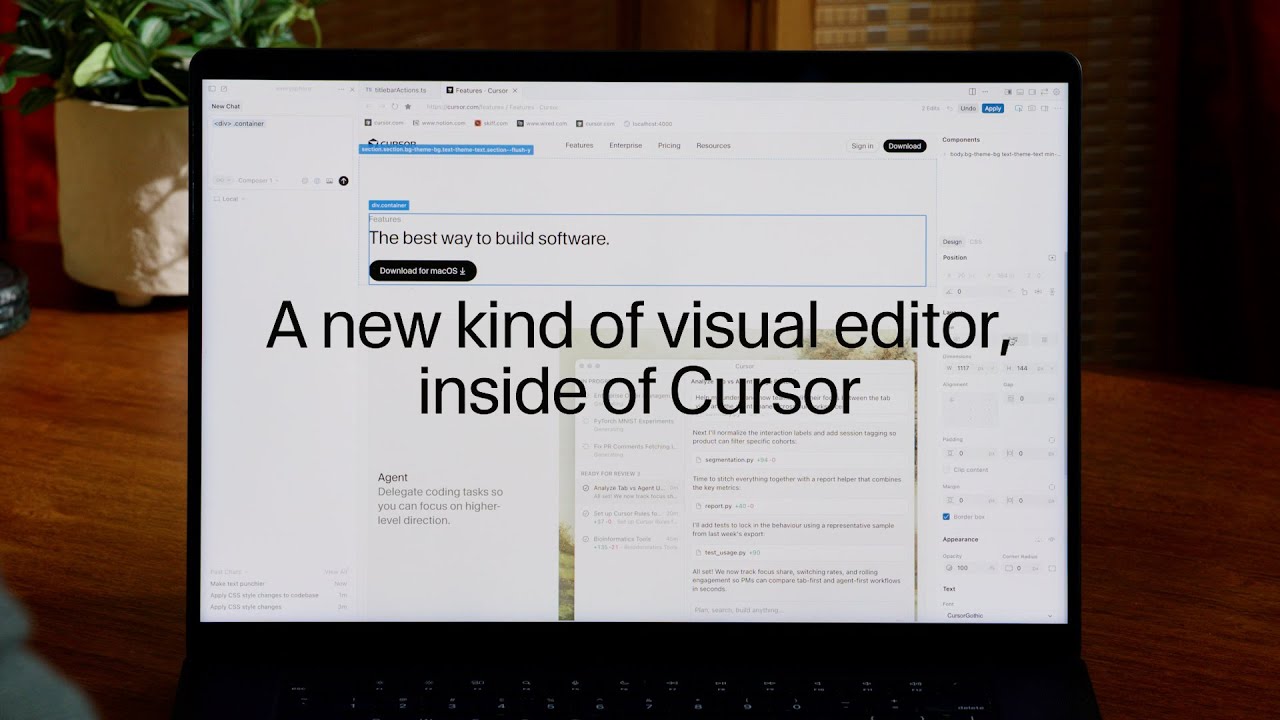
Cursor's official demo of the Visual Editor: select elements, drag-and-drop to rearrange layout, center divs with alignment controls, swap fonts and color tokens from your design system, and tweak grid layouts — the agent applies every change directly to the codebase.
Full description
The official Cursor walkthrough of the Visual Editor that shipped with Cursor 2.2. Demonstrates selecting an element in the in-browser preview, drag-and-drop layout rearrangement, centering divs via alignment controls, swapping fonts and color tokens pulled from your design system, and converting a grid from horizontal to vertical with max-width and centering. Every visual change is translated by the agent into real edits in your codebase.
Chapters
Watch on YouTube ↗ Content lives on the original publisher's site.
Curated for the Cursor-Design community as a first-party reference on designing with Cursor.